
Everything in Sharper Daily.
What each screen is for and what every button does. Part one is the day itself: starting, Today, Explore, Wander and Your Book. Part two covers listening, reminders, languages, every setting, your account, your data and Sharper+.
No account needed.
Three welcome screens introduce the app. On the last one, tap Begin: the whole app opens, and you are using it as a guest.
An account is optional. Sign in, at the top right of the welcome screens, offers Create Account, Log In and Continue with Google.
The app starts in your phone's language if it is one of the fifteen, otherwise in English.
It runs on Android 7.0 and newer, held upright. The one permission it asks for is to send notifications, and only when you switch a reminder on.
One quote, and the day's work that goes with it.
The app has three tabs at the bottom: Today, Explore and Your Book. Today is where the day's ritual happens, in four steps.
The library behind the day.
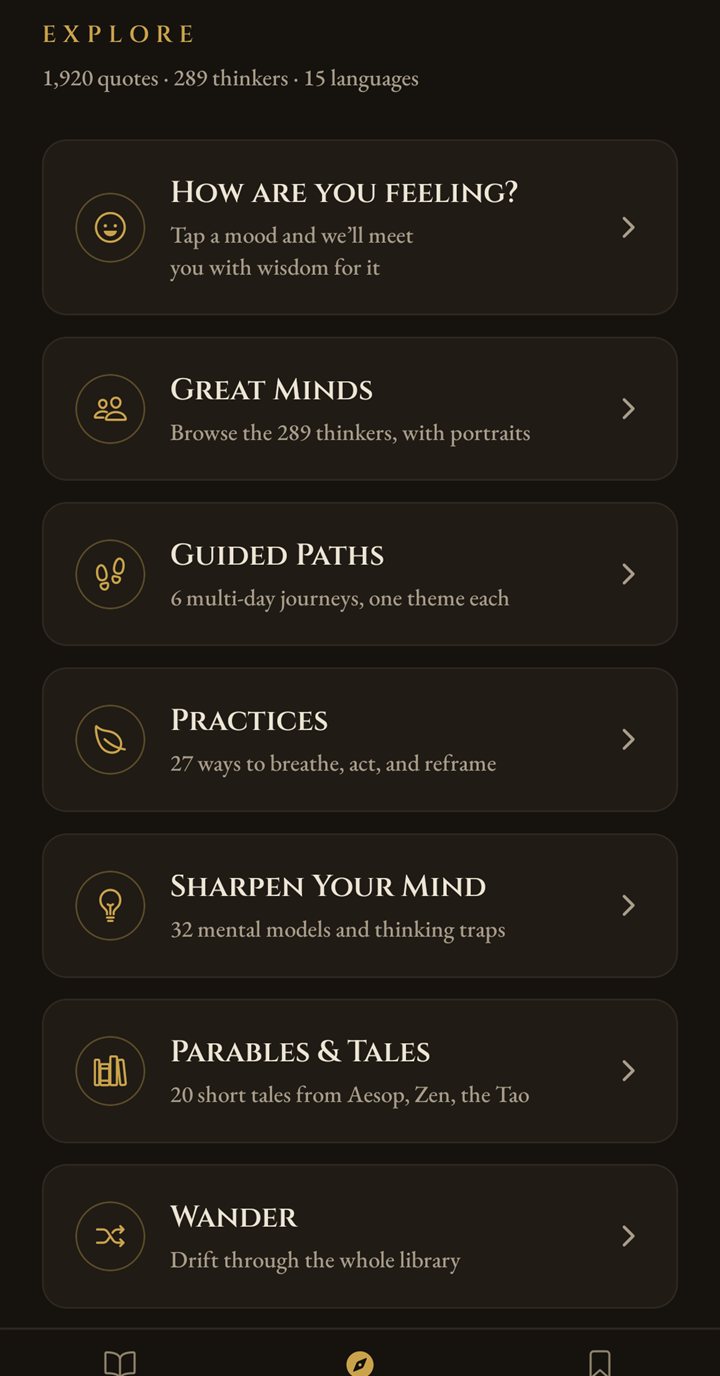
Eight places to read more, for the days you want more than one quote.
Six moods; tap one and the quotes that follow meet it. Wander's Discover leads to the same moods (see below).
An A to Z list of almost 300 thinkers. Search by name, see how many quotes each one has, and open a thinker's page to read them. Most have a portrait; living authors are shown with their initials.
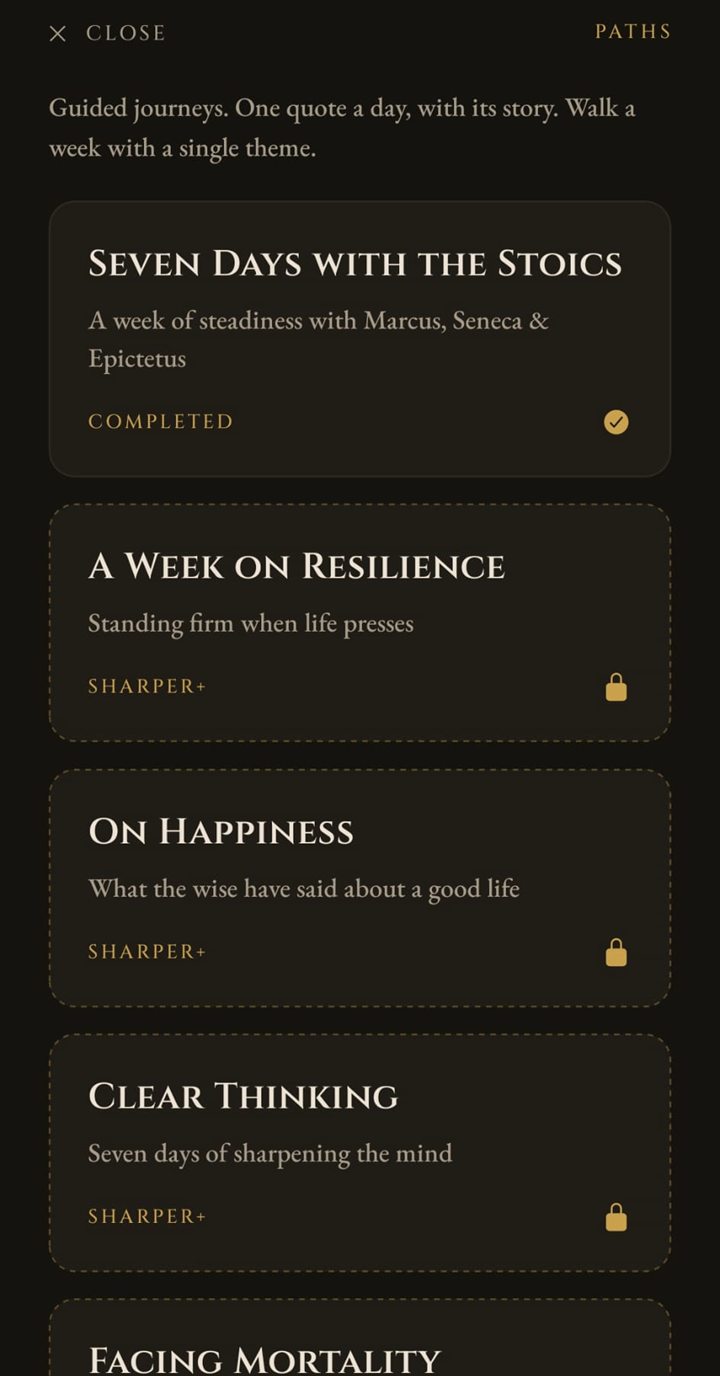
Six paths of seven days, one quote with its story per day: Seven Days with the Stoics, A Week on Resilience, On Happiness, Clear Thinking, Facing Mortality and Change & Growth. The first is free; the other five are part of Sharper+. You set the pace: Continue opens the next day whenever you are ready.
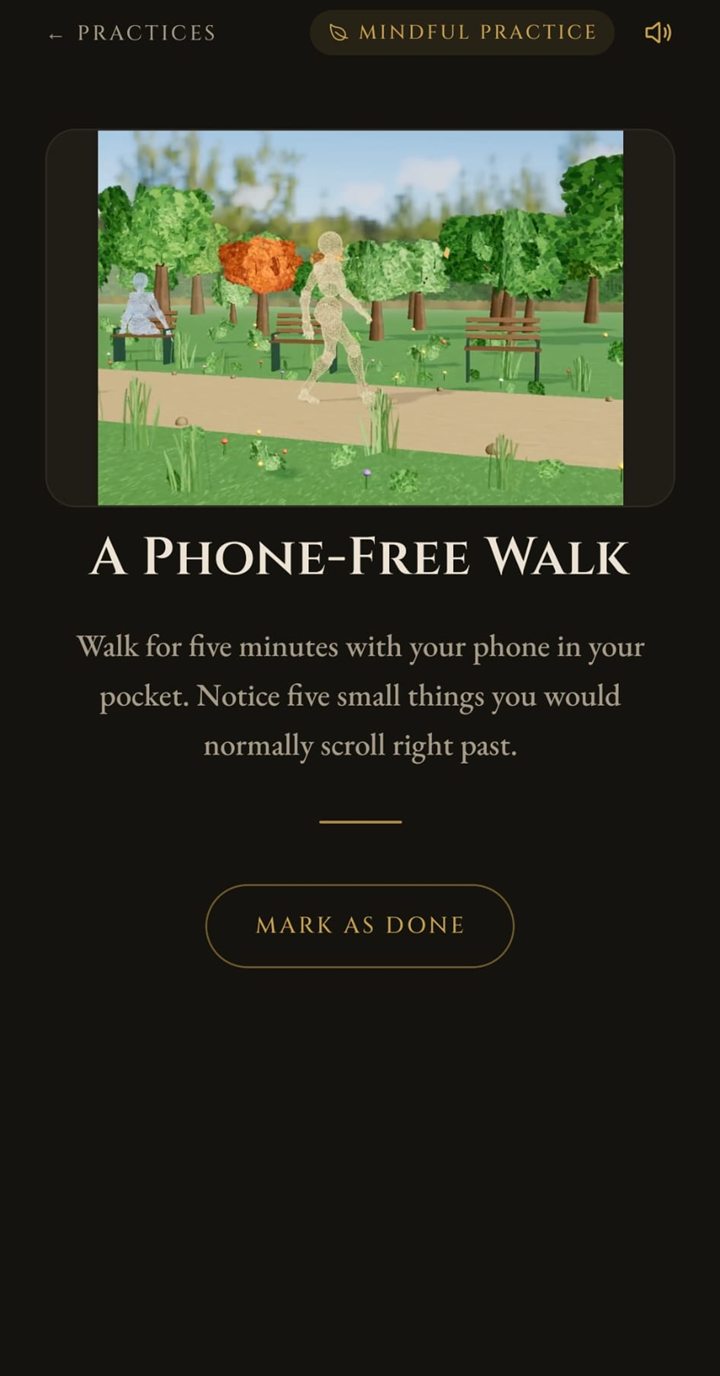
All 27 in one place: seven mindful ones, ten to act on, ten for thinking. Four have a breathing guide, two a timer and three an animated scene.
32 entries: 17 mental models and 15 thinking traps. Each has three parts: What it is, For example and Try it today.
20 short tales: 14 of Aesop's fables (two of them later fables credited to him), four from the Taoist tradition and two from Zen. Each ends with The lesson.
The whole library as a feed. It has its own section below.
Eight sets of quotes for a moment or a mood. Free: Calm the Mind, On Love & Loss and Before a Hard Day. With Sharper+: Find Your Courage, Let Go, Think Clearly, Start Again and Find Joy.
Search finds thinkers by name. It does not search inside the quotes.
The whole library, one quote at a time.
Open Wander from Explore. The library comes as a feed, shuffled anew every time; swipe up for the next quote.
Each card shows the quote's theme, the author's portrait, the quote and its author. Most quotes are Common; a few carry a Rare, Epic or Legendary frame. The Story writes itself out on the card.
Under the card: Your Book, a heart, a bookmark that keeps the quote, and share. The heart tells the app which themes you like, and they come up more often. Share makes a picture of the quote on parchment, with a small code that opens the quote in Sharper Daily on a phone that has the app.
At the top: Discover, a filter by theme, the author search, Achievements and Settings, and your streak once you have one.
Discover opens How are you feeling?: six moods (Anxious, Down, Unmotivated, Overwhelmed, Grateful and Reflective); tap one and the quotes that follow meet it. Your Moods shows your check-ins over time. Under the moods, Having a very hard time? Talk to someone. opens a list of free helplines by country in your browser. Discover also holds the Quote of the Day, your week in numbers, the Collections, Your Collection (the rare quotes you have found) and On This Day, a quote you kept on an earlier day.
Free: 10 quotes a day. After that a card says so and offers the way back to Explore; the first time each day it also offers Sharper+. A quote you search for or open from a link always opens. With Sharper+ there is no daily limit, and after 30 quotes in a row the app asks: A good place to stop?
What you keep, and what you wrote beside it.
Every quote you kept, with its author and your reflection under it. Tap a quote to open it in Wander, with Listen, Share and its story.
Edit lets you add or change a reflection, or remove a quote. The app always asks Remove this quote? first. If you leave with a changed reflection that is not saved, it asks Save your changes?
Your Journey adds up eight things: days of wisdom, quotes kept, reflections, practices done, thinking tools, tales read, practices explored and path days walked.
If a quote ever leaves the library, it stays in your book with the note that it is no longer in our library.
Your book lives on your phone. There is no copy on a server, so a new phone starts with an empty book unless you move it yourself. Part two shows how.
A count of the days, with room for a bad one.
Reading Streak counts the days in a row on which you opened the app.
Miss a day and a freeze covers it: the streak holds, without growing. You start with two freezes, can hold three, and earn one more each time the streak passes another seven days. With no freeze left, the streak starts again at one.
There are eight streak badges, from Spark at 3 days to Eternal at 365. A badge you have earned stays yours.
Achievements holds 32 quests with three levels each: 96 badges in all.
Both are in Settings, under Activity. Achievements also has a trophy at the top of Wander.